

If you are managing Entra ID tenant(s), you know that it provides SSO authentication.
However, from time to time, end-users may still be requested to confirm they want to continue the sign-in process (as shown in the below screenshot).
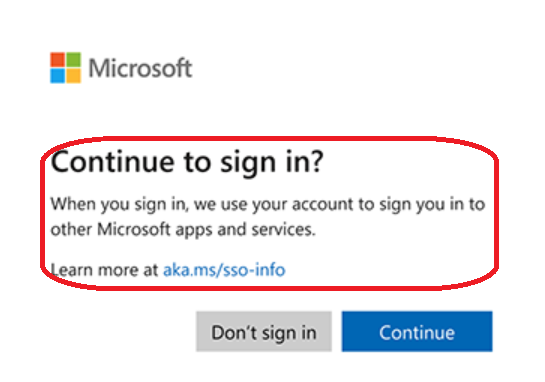
This experience may be more likely occurring in the European Union due to the privacy controls and legislation, but this can happen also in other regions.
Well, good news as administrators can now better control these prompts to automatically sign-in users without any prompts, as in corporate environment security and user experience are both important.
With the July 2026 Windows updates, a new control has been introduced to automatically sign-in corporate accounts across the different Entra ID SSO applications.
To be able to enable and use this new capability, you need to have managed devices running Windows 11 24H2 or 25H2 with the July 2026 monthly updates.
Then you need to deploy the below registry key to the devices (either through Intune [recommended], group policy or even SCCM).
- Registry Path: HKLM\SOFTWARE\Policies\Microsoft\Windows\AAD
- Key Name: AutoAcceptSsoPermission (DWORD)
- Value: 1