With the rise of AI agent, Microsoft is introducing a control in Entra ID tenant to manage who can create agent identity blueprint.
Agent identity blueprint is the template and authentication foundation for Agent Identities. While it does not automatically grant access to company data (permissions and consents remain separated), it is important to control who can create such resource in your tenant.
The expected schedule for deployment of this new control in Entra ID starts early November with a completion target set to end of November.
This setting is already available for configuration but it will take effect only once deployment will start.
It is important to note that the setting is set by default to allow all user to create such blueprint.
Once available in your tenant, administrators can configure the setting from the Entra ID portal (Microsoft Entra – Microsoft Entra admin center) under the Users\User settings blade
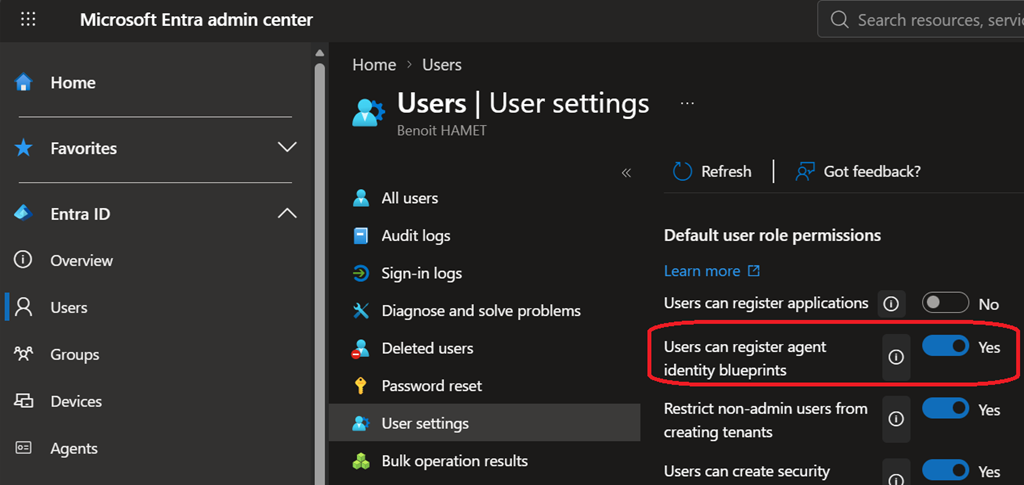
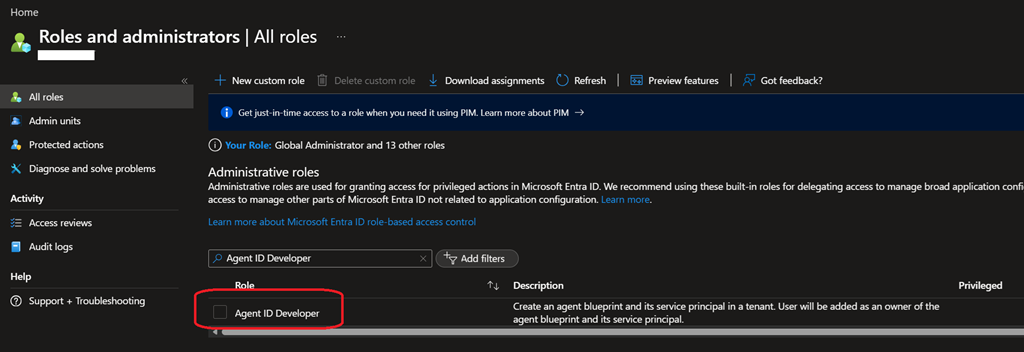
Once you turn it off (No), only user granted the Agent ID Developer role will be authorized to create identity blueprint.
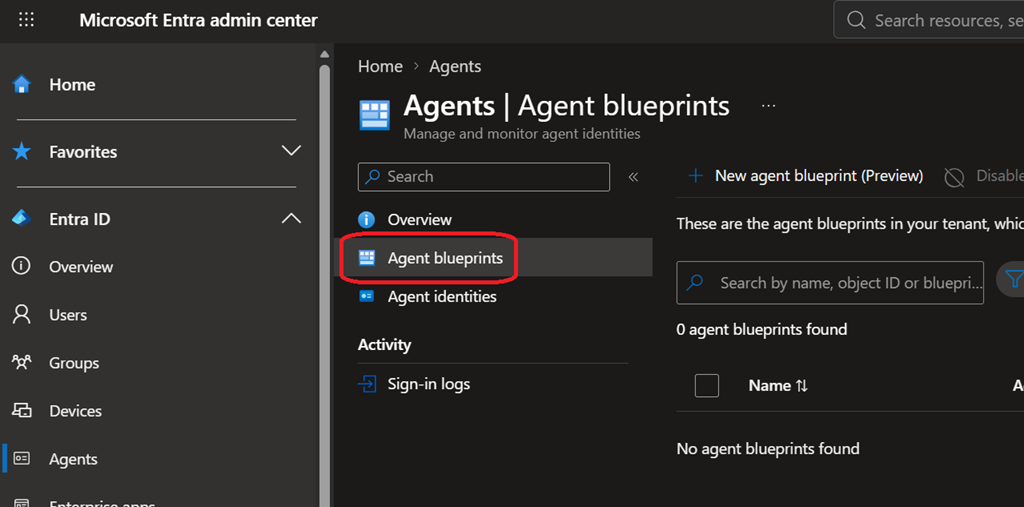
Please note that existing blueprint will not be removed; if you already have identity blueprint deployed in your tenant administrators will have to review them to confirm they are supposed to be authorized using the Agents\Agent blueprints blade