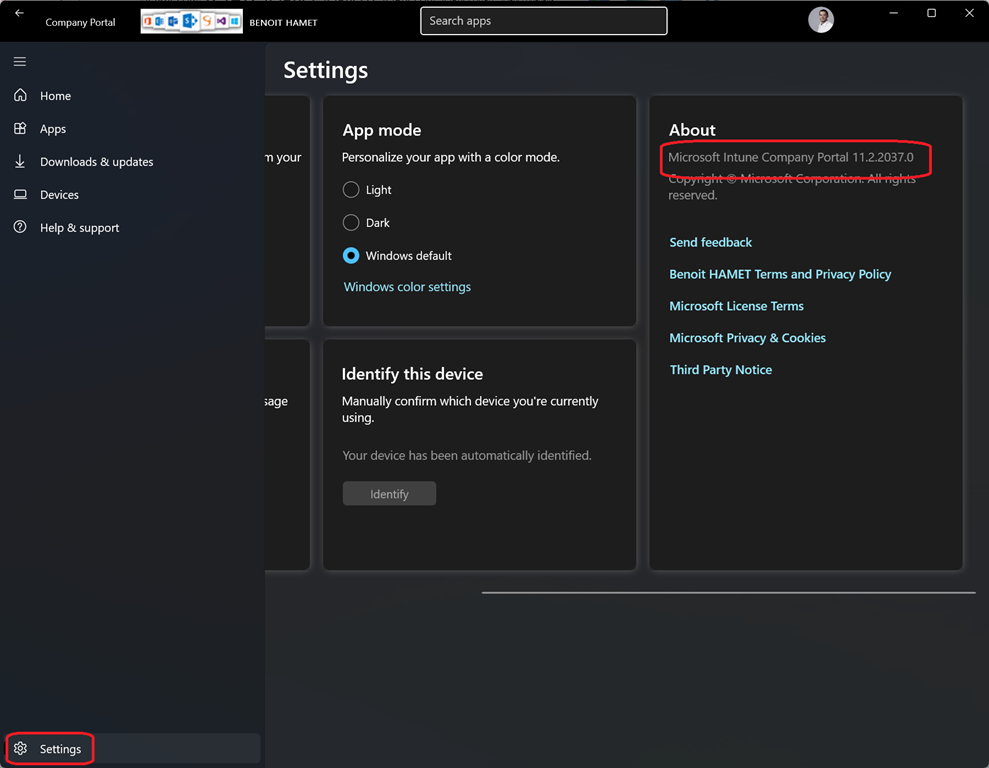
The Company Portal for Windows – starting with version 11.2.2037.0 – will be showing “potentially” less applications to end-user when accessing the Apps section of the Company Portal.
This is not because they have less applications being made available to them, this is just because Company Portal is showing a curated application set by default.
End-user can request to display all applications they have access to by toggling on the new option Include all apps showing up on top of the applications list
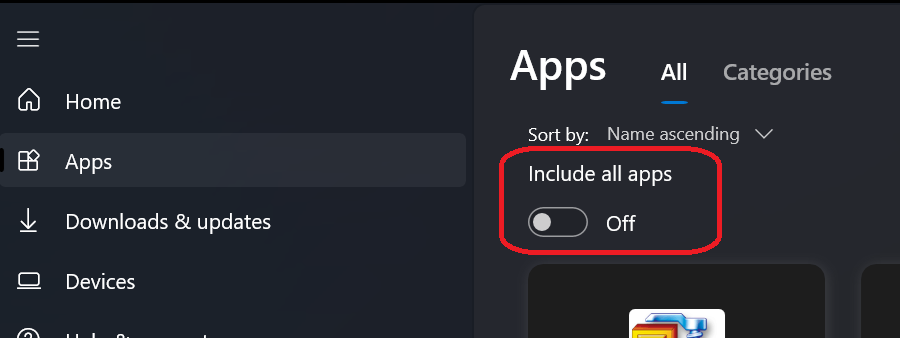
While there may be less applications displayed to end-users because of the curated setting, available applications are still searchable (even not shown in the curated set) or accessible from the Downloads and updates section (well, obviously less user friendly).
There is no administrative control available to manage the Include all apps toggle.
NOTE users can check the Company Portal version in the About section under Settings