For the past few months, I have seen multiple group based license assignments failing on different tenants.
While there is no official communication (Message Center or other communication channels), the only option has been to open a support request to Microsoft to initiate a “back-end” sync.
Once this sync has been proceed, the group based license assignments have been working has expected.
NOTE This does not seem to happen to every tenant, I did not identify a common denominator as these tenants are located in different regions and have different product SKUs.
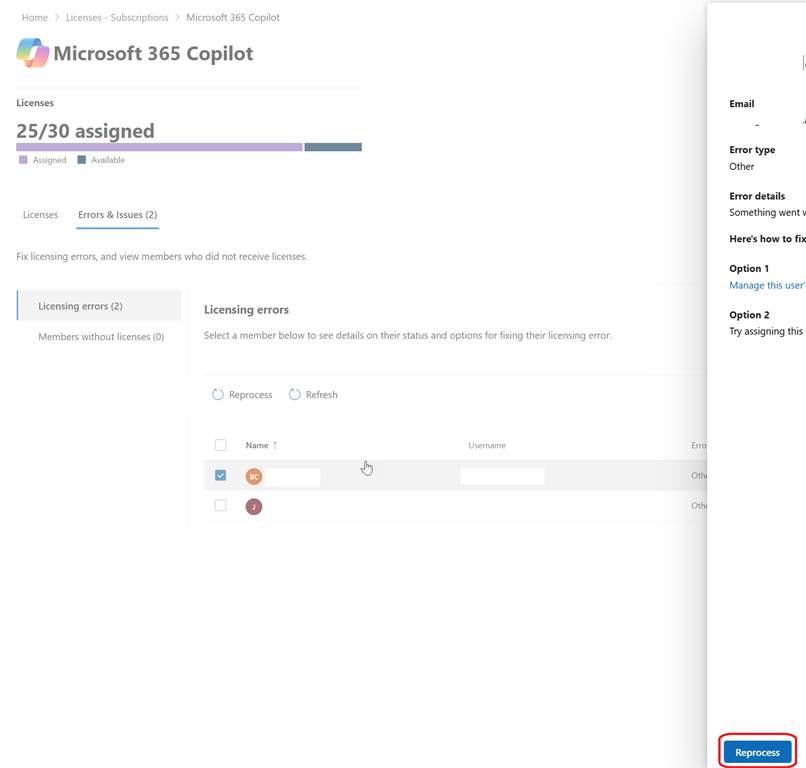
When you have a user having issue to access a service/product after being added to the corresponding group to assign the license, have a look at the Office 365 Admin portal to check if there is any error/issue for the service/product
Subscription with SKU <license SKU ID> does not have any available licenses.
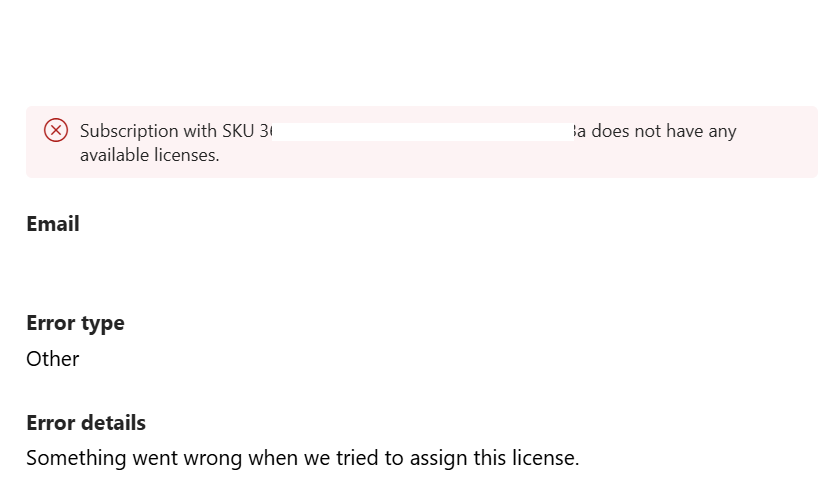
This happen even if you have enough remaining licenses as show in below screenshot.
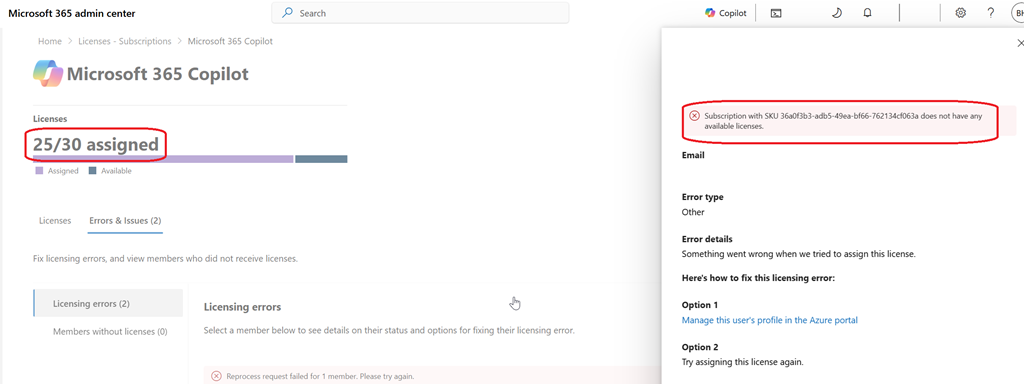
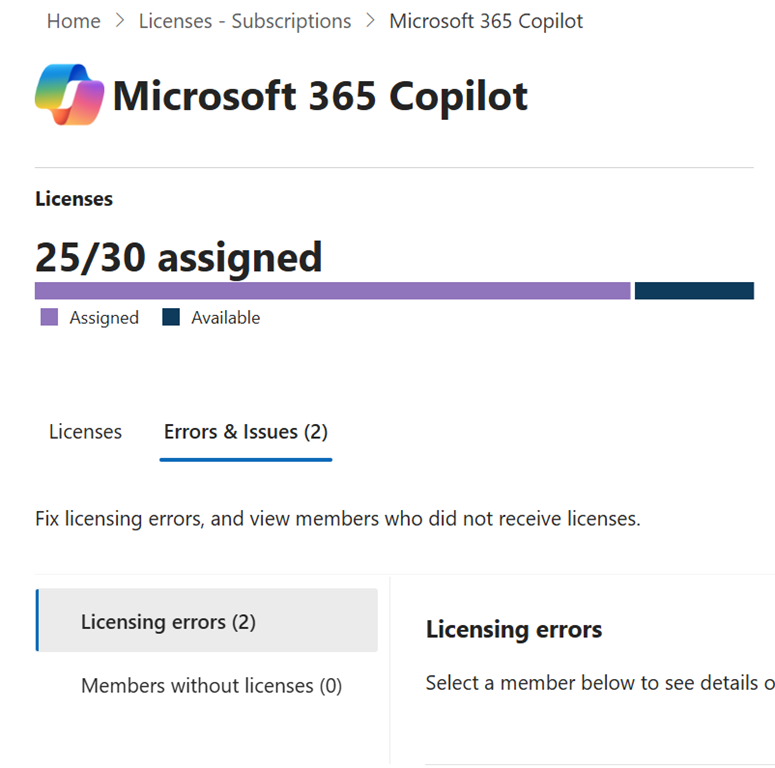
To get this details, you need to reach to the corresponding product potentially having issue and check the Errors & Issues tab
Then we you select one the user(s) in error to get the license assigned and click the Reprocess button, this is when you are getting the error message you don’t have enough license despite you have