Entra ID Global Secure Access (GSA) is a Microsoft cloud based security edge solution aimed to replace VPN for accessing on-premises resources (Private Access), securing internet access through web content filtering (Internet Access) or Microsoft cloud services directly from the endpoint.
One component of Entra ID Global Secure Access Internet Access is the Transport Layer Security (TLS) inspection. This component requires to intercept the encrypted communication between the client and the web server to analyze and search for malicious.
The interception requires the use of a custom certificate to act as a proxy.
Until now, implementing GSA Internet Access TLS inspection required the implementation of a custom public key infrastructure (PKI) – such as Active Directory Certificate Services.
While Microsoft has released a Cloud PKI solution in Intune, unfortunately this could not be used as the private key of the authority can not be accessed it was not possible to use it for TLS inspection.
Well, good news as now you can use a Microsoft managed PKI for implementing TLS inspection with GSA  .
.
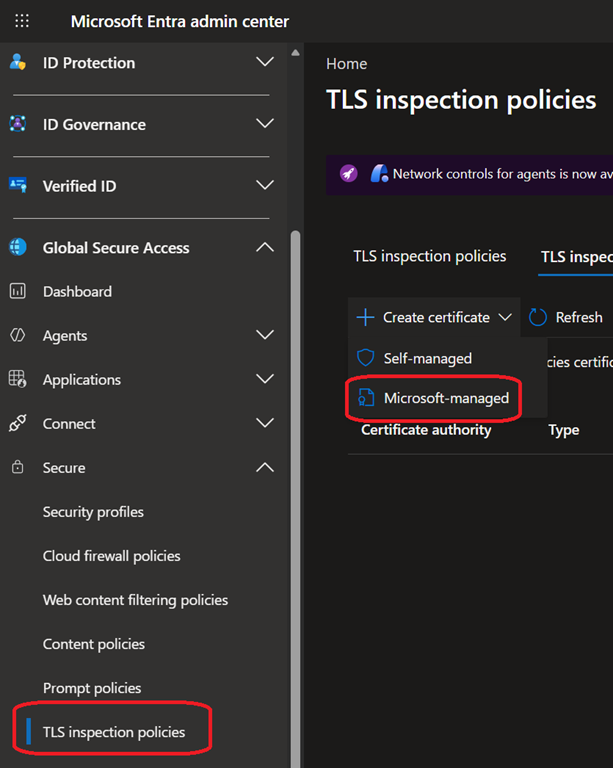
To use the Microsoft managed PKI for TLS inspection, you first need to create an authority certificate (same as when using your own PKI) by selecting the Microsoft-managed option
The Microsoft-managed PKI is valid for 10 years; you can use the certificate API if you need to configure a shorter validity period.
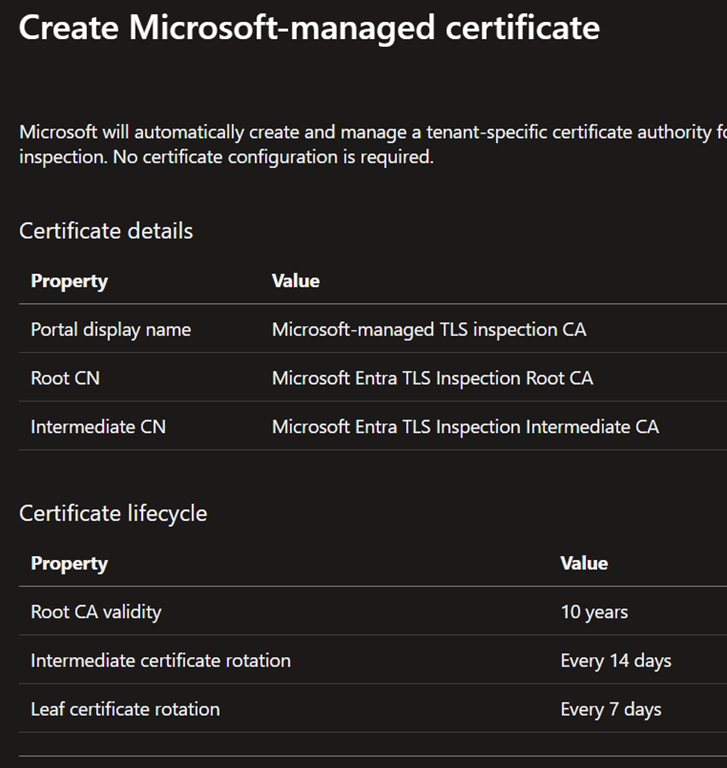
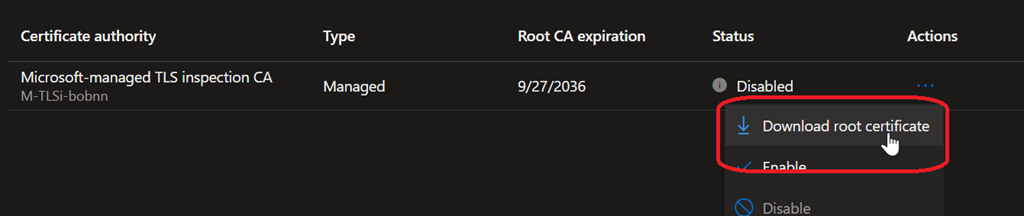
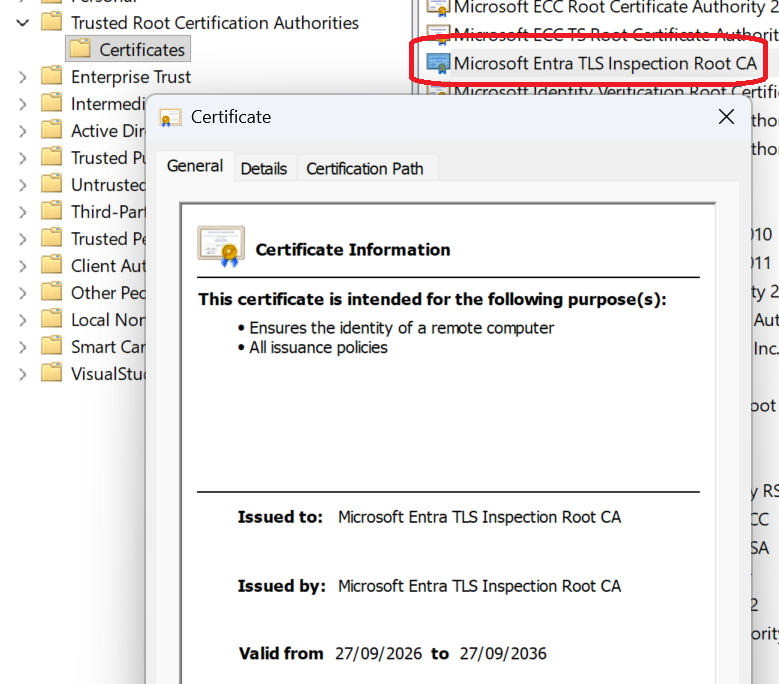
Once the Microsoft-managed certificate is generated, download it and get it deployed to all devices under the Trusted Root Certification Authorities, including mobile BYOD, using either Intune (recommended) or group policy. For BYOD you will likely need to implement a specific procedure or deployment option as these devices are not managed by your mobile device management solution.
You can download the certificate using the contextual Download menu
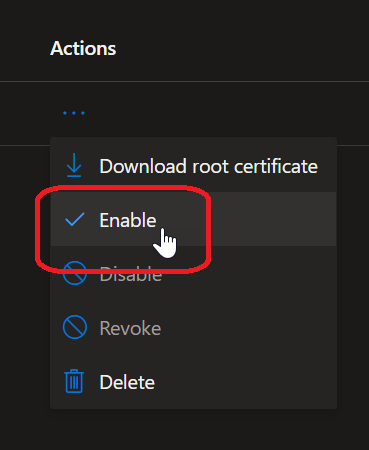
Then you can enable the Microsoft-managed certificate and wait for the status to switch from enrolling to active; it can take few minutes. Do this only when you are sure that 100% of devices got the Microsoft-managed certificate, otherwise they will got a certificate error when browsing internet.