If you use or manage Teams, you probably already have faced the issue that external users may not be able to join a meeting.
This situation is always a pain to troubleshoot as it may be due to settings or policies in your tenant or in the external user tenant.
Well, good news as the Microsoft Remote Connectivity Analyzer Test (MRCA) has been updated for Teams to include external user meeting join tests.
These tests cover:
- Meeting policies
- Guest access settings
- External access settings
- Federation configuration
- Lobby settings
- Cross-tenant access settings
- Identity classification
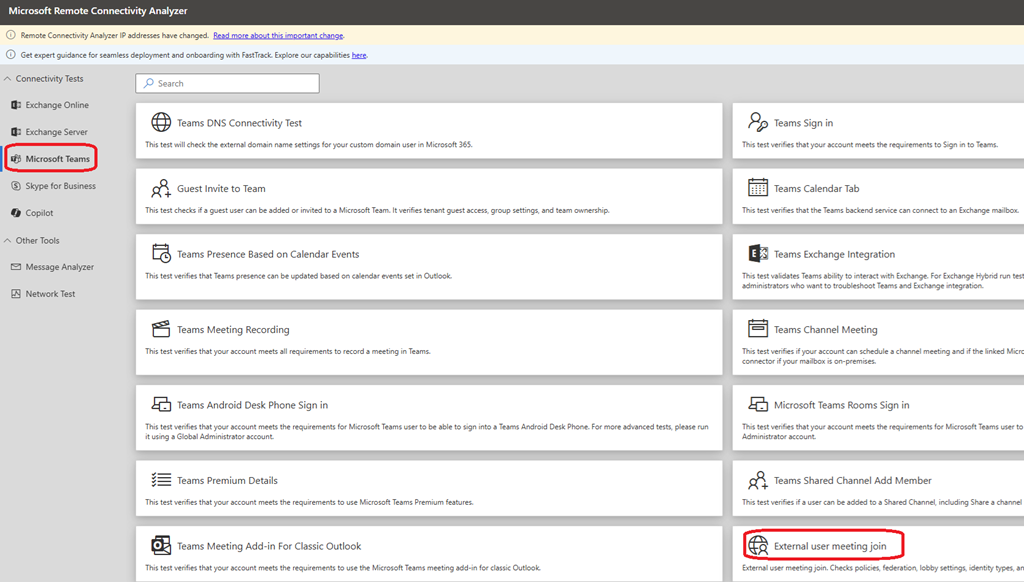
To start using these new tests, connect to the MRCA web site and access the Teams section (direct link Microsoft Remote Connectivity Analyzer) to launch the External user meeting join
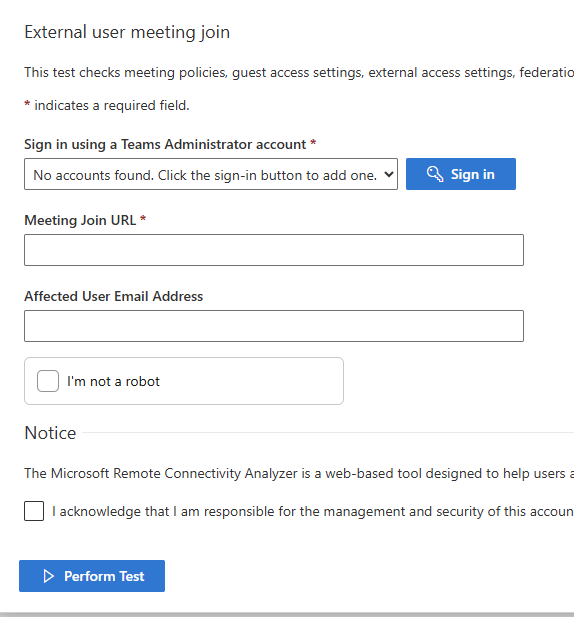
Then you can launch the test by signing in with a Teams admin account, enter the meeting Join URL and affected external user email address