

When troubleshooting issue(s) with Azure resources, it is usually difficult to identify has changed between a working situation and a failed situation, especially when there is participants.
This is why Microsoft has introduced the Change Analysis feature.
At this stage, this feature only covers changes made at VPN, network, Firewall and Virtual Machine level.
The feature is built on top Azure Resource Graph capabilities, covering changes made through either Azure portal, Azure Cli/PowerShell, ARM/Bicep/Terraform deployments, policy remediations or runbooks.
The Change Analysis covers the following operations:
- creation
- update
- deletion
The results provided help identify:
- the impacted resource – sometime the impacted resource is not the one updated but an underlying one
- the change operation
- when this happened
- who initiated the operation
- the tool used to execute the change (portal, Cli…)
- the difference between before and after
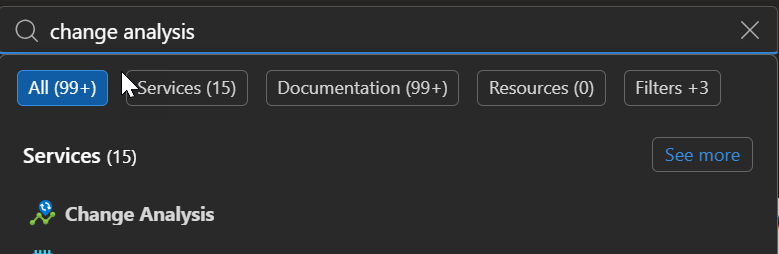
To enjoy this new capability, connect to your Azure portal (Microsoft Azure) and search for Change analysis
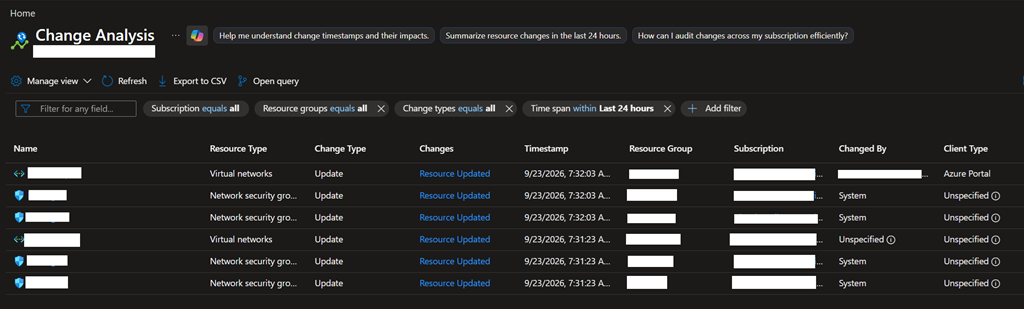
If change operations have occurred, they will be displayed to give you all the details about the change
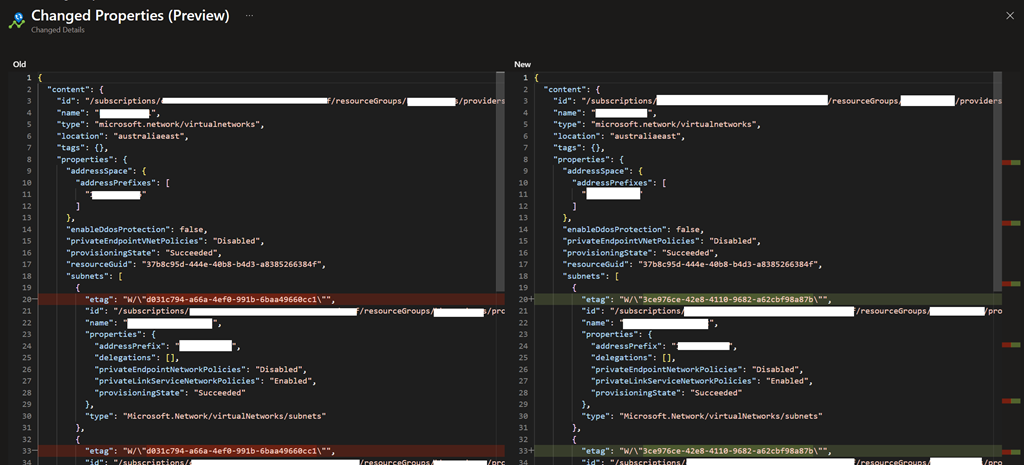
When a link under the Changes column you can then get the details of what has been initiated with the configuration state before and after; you will be able to easily identified the change(s)
You also use the below KQL query using the Azure Resource Graph Explorer
resourcechanges
|extend timestamp = todatetime(properties.changeAttributes.timestamp)
|where timestamp > ago(24h) NOTE change the filter to match your environment
|extend resourceType = properties.targetResourceType
|extend resourceId = properties.targetResourceId
|extend changeType = properties.changeType
|extend changeAttributes = parse_json(properties.changeAttributes)
|where resourceId in (‘———–‘)
|project id, timestamp, subscriptionId, resourceGroup, resourceId, resourceType, changeType, changeAttributes
|order by timestamp desc