If you use Intune, you likely are deploying applications to devices.
You may already be using the Enterprise App Catalog capability (which comes with either Intune Suite or the Enterprise Application Management add-on).
In this case you already know that when a new version of the Enterprise App application is made available you need manually go to the application to click on Update to create a new package and mark the previous version as superseded.
Well, good news as now you get these applications to automatically update themselves without the need of a new package and supersedence configuration  .
.
Before you start with this new capability, you need to know:
- You need to republish the application(s) to enable the automatic update feature; existing Enterprise App applications can’t be updated to turn on the feature
- It applies only to required assignment; if the application is available the current update workflow continue to operate
- There is no automatic rollback or uninstall remediation; if an issue occurs, you need to create an uninstall assignment
- There is no roll-out phase support to allow deploying the updated version to specific users/devices for validation
- Custom requirements, detection rules or install/uninstall scripts are disabled
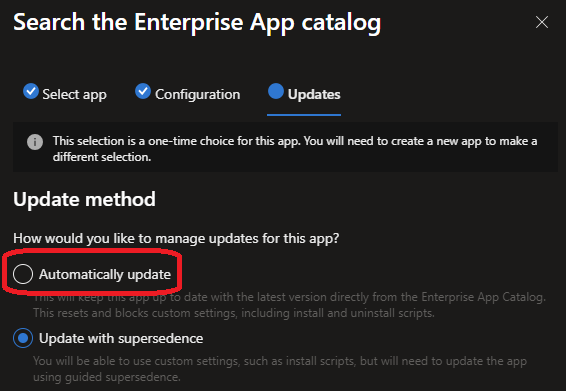
When publishing the Enterprise App, once you have selected the branch/version to be deployed, you will then access the Updates tab allowing you to select either automatic or current workflow (update with supersedence)
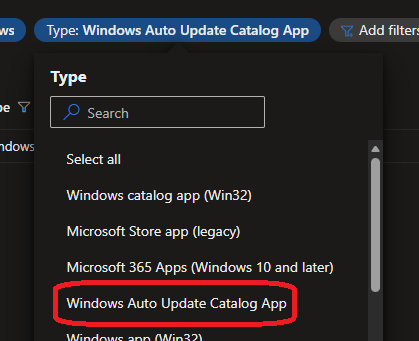
The application view has been also updated to reflect this change by providing a new type option Windows Auto Update Catalog App