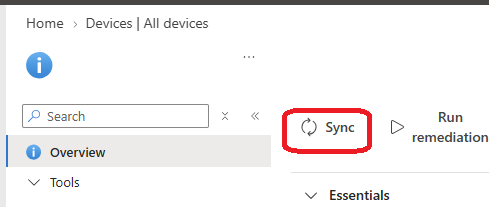
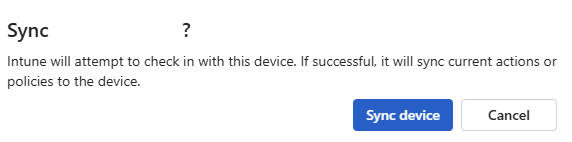
When managing a fleet of devices with Intune, from time to time administrators need to force a device synchronization from the portal.
Until then, administrators could not really follow the sync process and needed to wait few minutes for the device to report back to Intune.
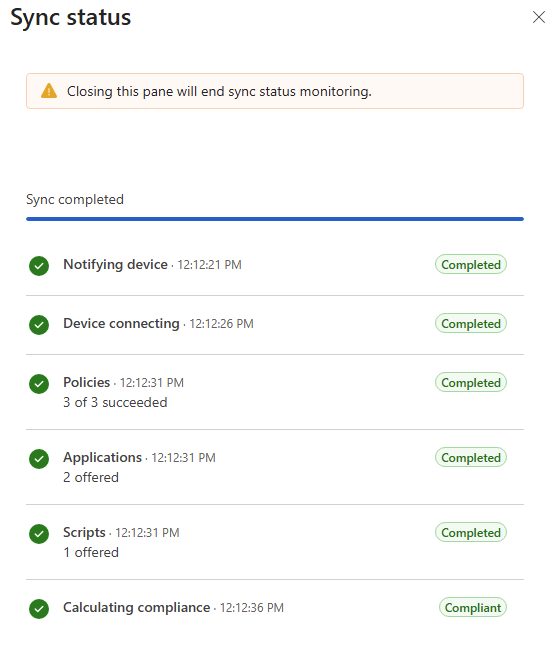
Well, good news as now, with the July release (service release 2607), when a sync is initiated from the portal you can view the live progress and status.
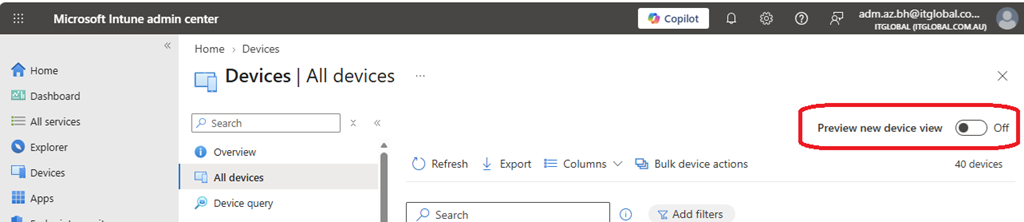
To enjoy this new capability, you first need to enable the new device view from the All Devices blade
Then access the Windows device you want to initiate a sync and off course click sync; once the process start, click on the Notification button to see the sync process live status