As you probably already know, you can integrate LinkedIn with Microsoft Office (Outlook, Word) if your Azure AD administrators have authorized the LinkedIn account connections in Azure Active Directory\User Settings blade.

If this option has been enabled and you have authorized the connection to your LinkedIn account, LinkedIn is integrated with your Office 365 account.
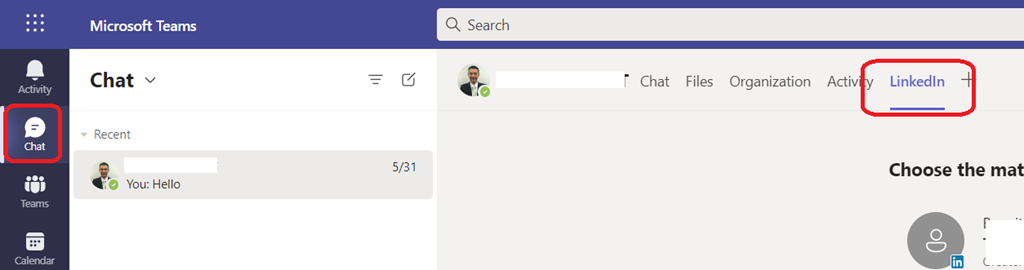
Well, good news as now this integration is also available in Teams clients (client (not mobile) and web browser).
You can access the LinkedIn functionality on a 1×1 chat
This is apparently only available for internal users; chats with external contacts do not have the option (yet?)