 For those who use Windows 95 to Windows XP, you may know the famous PowerToys for Windows, giving you more customization and powerfull tools (like TwekUI or Virtual Desktop Manager for Windows XP).
Well, good new, the PowerToys are back with Windows 10.
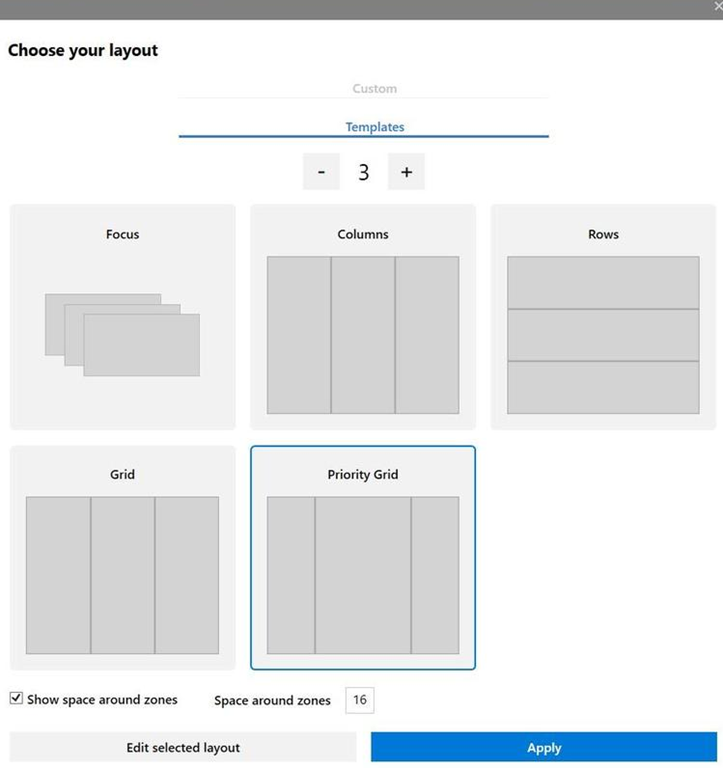
The first release includes a cheat sheet Windows key shortcut (this could be helpful for users which have migrated from Windows 7/8) and FancyZone, letting you define how each application open on Windows.
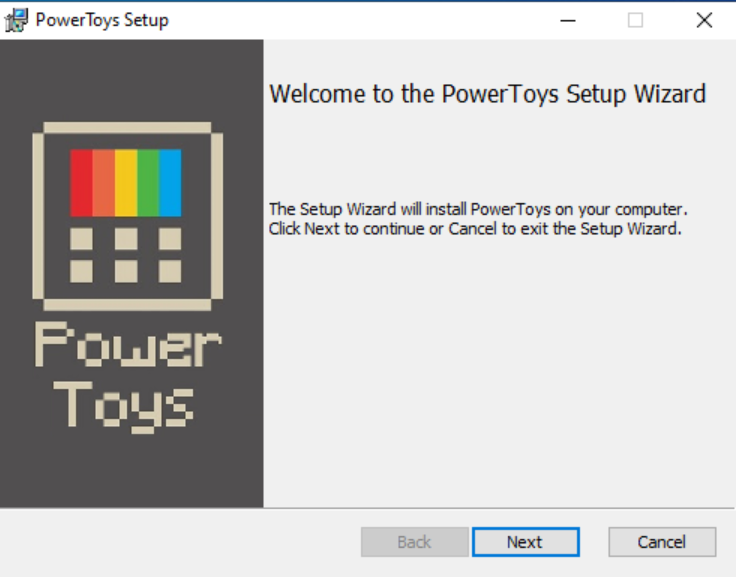
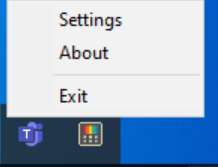
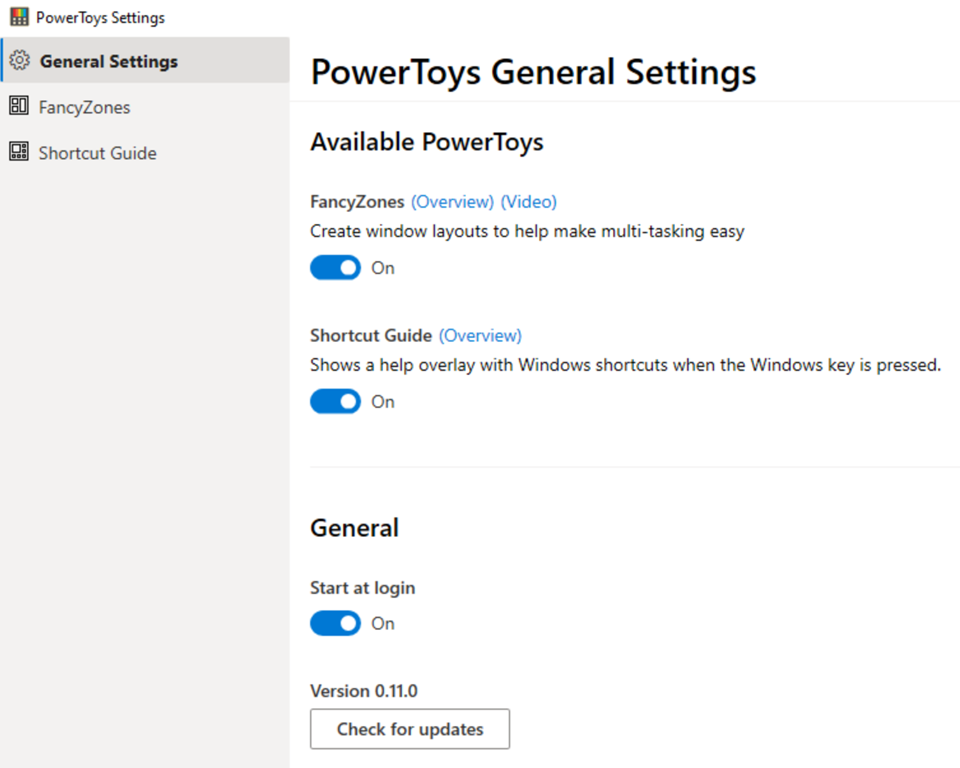
The Windows 10 PowerToys come as an MSI package to download and install (from https://github.com/Microsoft/powertoys/releases); once installed an icon in the systray will let you set the PowerToys settings, from which one is enabled to how it will start (automatically at logon or not)