If you use an Entra ID application to authenticate against Teams when using PowerShell you need to update the permissions granted to the application.
Starting September 15th, 2025, authenticating with Entra ID application when using PowerShell will require the following additional permissions:
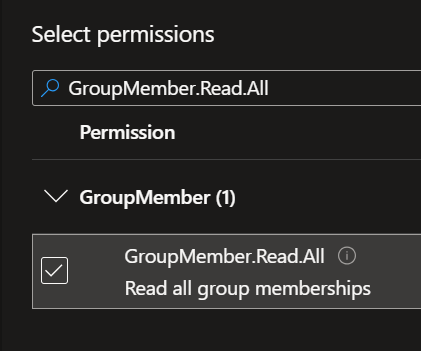
- GroupMember.Read.All
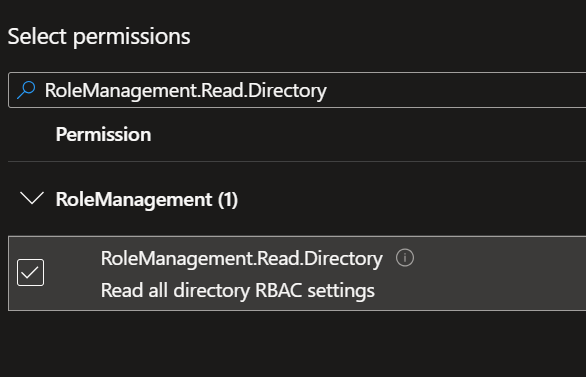
- RoleManagement.Read.Directory
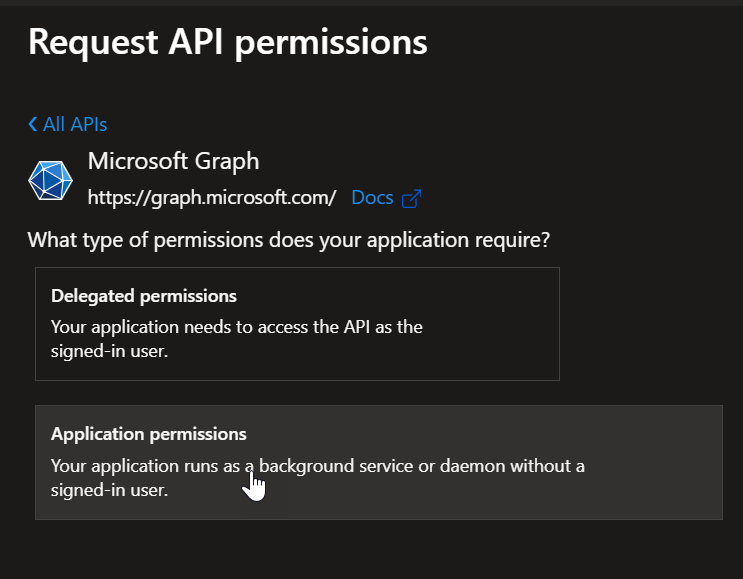
To update the permissions, connect to your Entra ID tenant (Microsoft Entra – Microsoft Entra admin center) to access the App registrations blade to locate your application and add the above API permissions for Microsoft Graph application permissions.
This is not required if you use Microsoft Graph delegated permissions.