You may already have quite few scripts at your disposal to perform bulk actions on cloud user accounts and/or groups on Azure Active Directory (AAD).
Well, maintaining (or using) these scripts is no longer a requirement as the Azure AD portal has been updated to allow you bulk actions on user accounts/groups.
Bulk actions are limited to up to 50 000 items.
Bulk Actions on user accounts
The following bulk activities are available on users:
- Bulk create
- Bulk invite (for guest access)
- Bulk delete
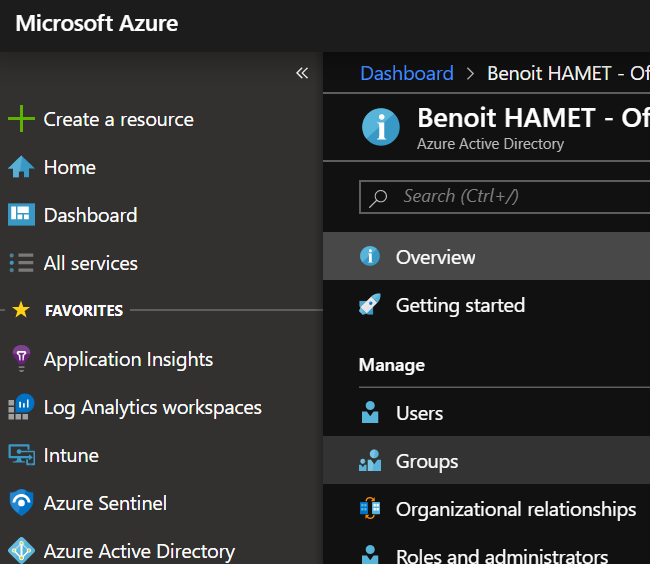
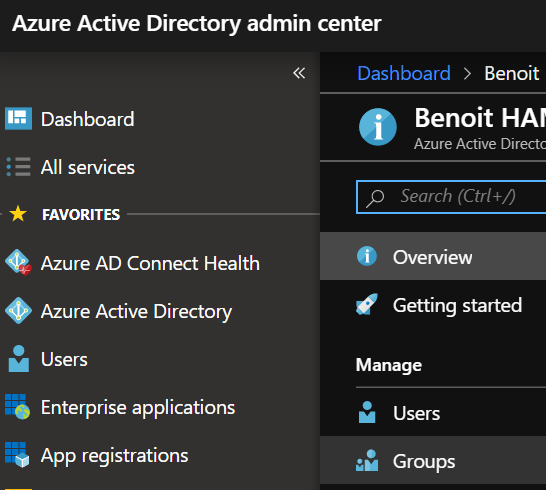
To p perform bulk actions, logon to your Azure portal (https://portal.azure.com) or Azure AD portal (https://aad.portal.azure.com) and reach out the Azure Active Directory\Users blade
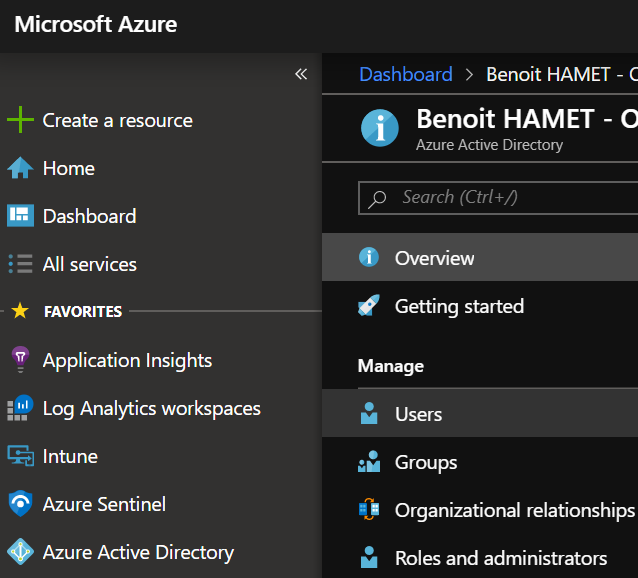

From there now have the various option for bulk activities

To start you will need to download a CSV file template which contains the attribute and sample values for the action you want to execute
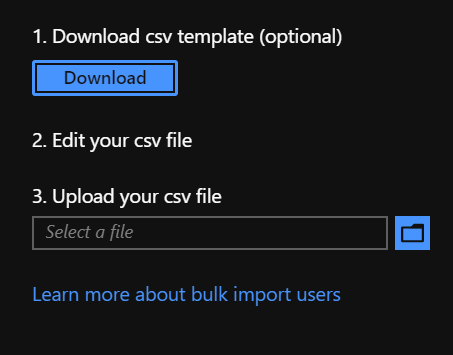
A different template is provided for each bulk activity (create, invite or delete).
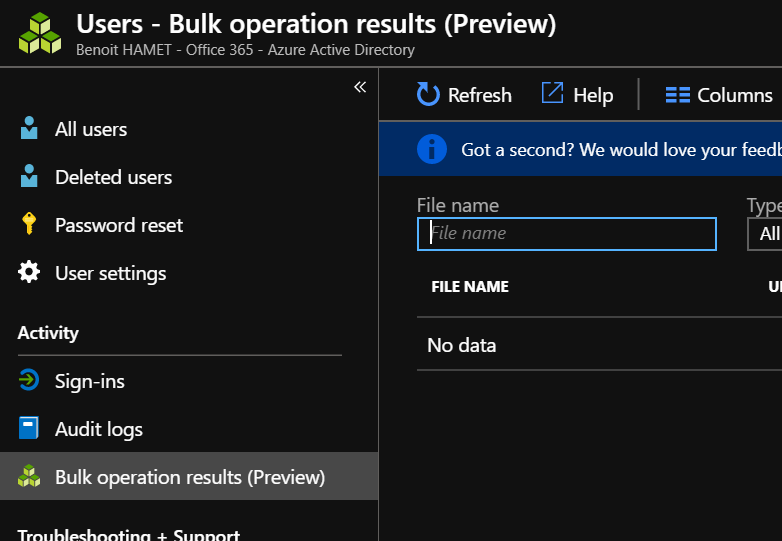
You can follow the progress of the bulk activities by accessing the Bulk operation results blade
Bulk actions on groups
To p perform bulk actions, logon to your Azure portal (https://portal.azure.com) or Azure AD portal (https://aad.portal.azure.com) and reach out the Azure Active Directory\Groups blade
Then access cloud based group you want to edit the members and reach the Members blade to update the membership by importing or removing members; you can also download the current list of members

Same as for bulk user actions, a CSV file template is provided to help you filling the correct information.
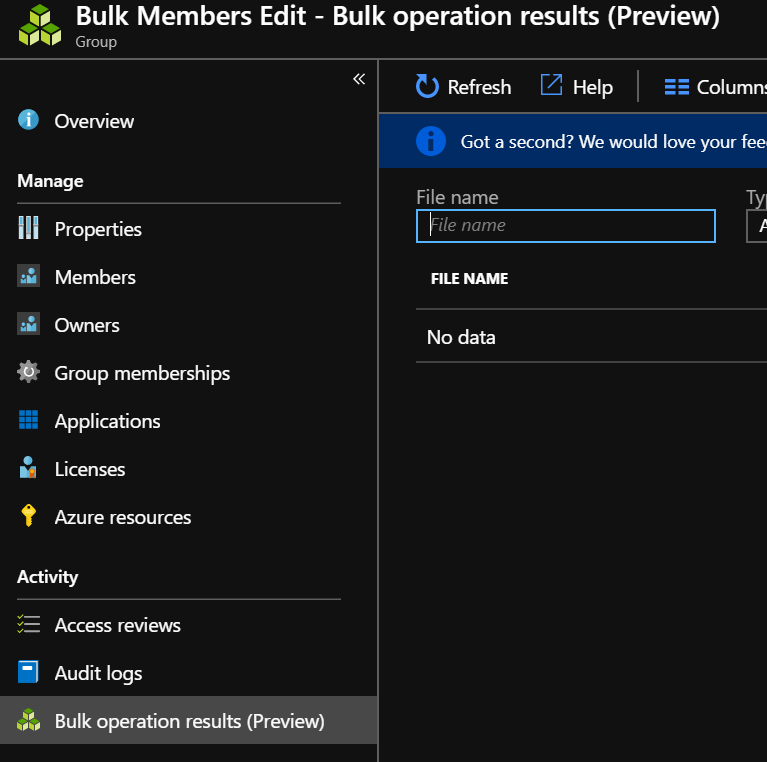
You can follow the progress of the bulk activities by accessing the Bulk operation results blade