It has been a long awaited capability: being able to give a complete read-access only to Azure AD/Office 365 administration.
Well good news, a read-only administrative access role is coming – called Global Reader. The deployment will start on September 24 and scheduled to be completed by October.
It worth noting that few limitations will be there for the time being:
At public preview launch, global reader does not work with SharePoint, Privileged Access Management, Customer Lockbox, sensitivity labels, or the following features within Teams: Teams Lifecycle, Reporting & Call Analytics, IP Phone Device Management, and App Catalog. All of these services will work with global reader in the future.
The ‘Available roles’ list – available https://docs.microsoft.com/en-us/azure/active-directory/users-groups-roles/directory-assign-admin-roles#available-roles – is not yet updated.
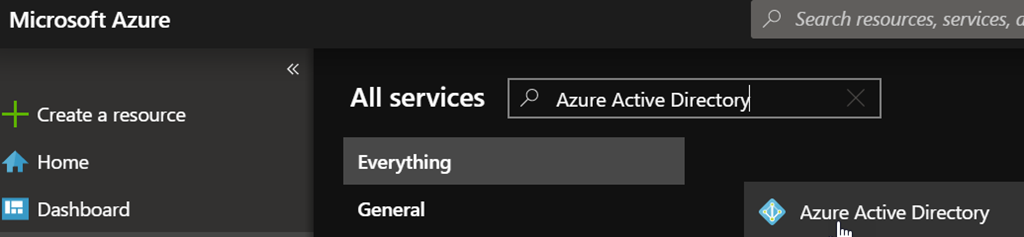
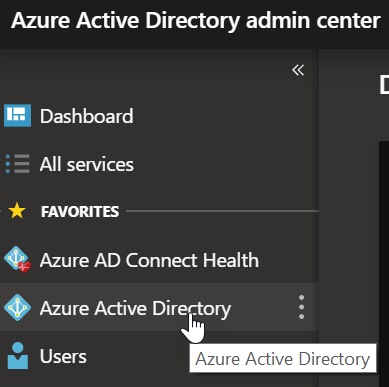
To assign this new role, access your Azure portal (https://portal.azure.com) or Azure AD portal (https://aad.portal.azure.com) and reach out the Azure Active Directory blade
Then access the Roles and administrators configuration blade to locate the Global Reader role and then use the Add assignment

If you are using the new Office 365 administration portal (https://admin.microsoft.com) you also manage this new role from Roles blade

As a result of this role assignment, read only access is then granted to the user