As we rely more and more to Entra ID for authentication and access control, a key requirements is the ability to recover from attacks and/or accidental changes.
While there has been few improvements in Entra for quickly recovering (recycle bin for security groups (Entra ID – You can now recover deleted cloud security groups (preview)) or conditional access policies (Entra ID – You can now list and recover deleted conditional access policies (updated))), there were still gaps.
Well, good news as Microsoft has now started to provide a built-in backup and recovery tool, helping recovering objects in a previous good state. Objects covered with this solution include:
- users (including Agent ID)
- groups
- apps
- service principals
- Conditional Access policies
- named locations
- authentication method policy
- partial authorization policy
Ok but how is it working?
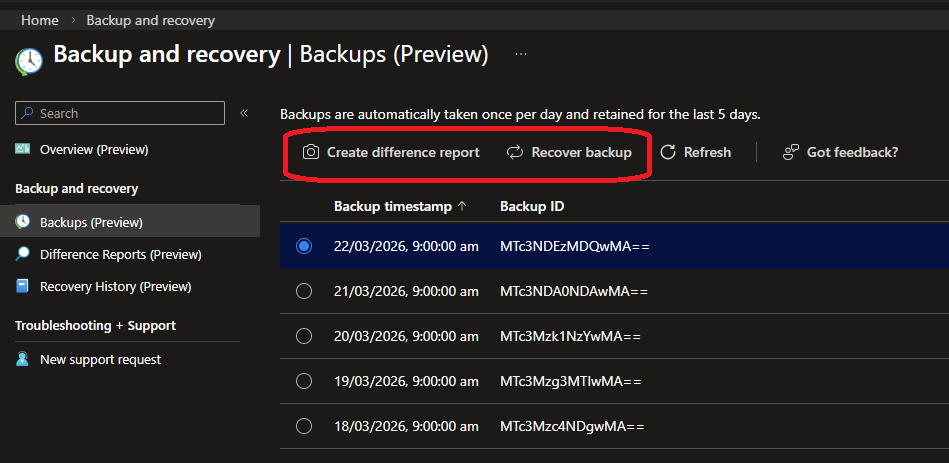
A daily backup is taken automatically and retains for 5 days.
Backups and differences reports are available for user with appropriate permissions (Microsoft Entra Backup Reader, Microsoft Entra Backup Administrator and off course Global Administrator).
You need to have at least an Entra ID P1.
NOTE external ID and Azure B2C tenants are not supported (yet?)
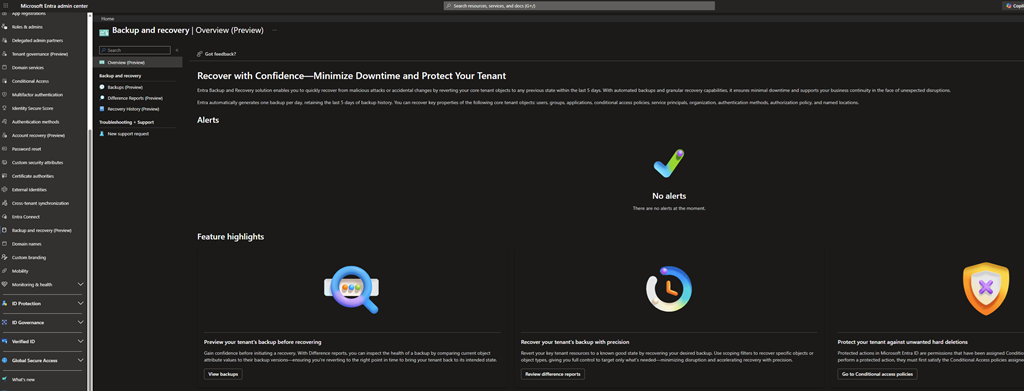
To start enjoying this new capability, connect to your Entra ID tenant (Microsoft Entra – Microsoft Entra admin center) and access the Entra ID\Backup and recovery blade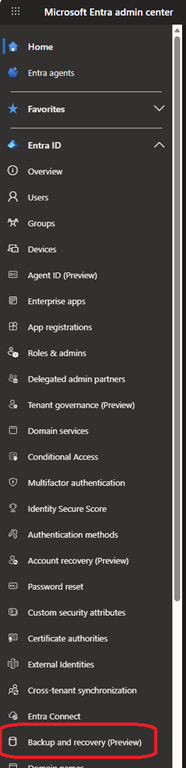
From there you will be able to see previous backups (up to 5 days), difference reports and recovery history
If you need to recover a backup, just select the one from the Backup list, generate a difference report (optional but recommended) and then choose recover backup
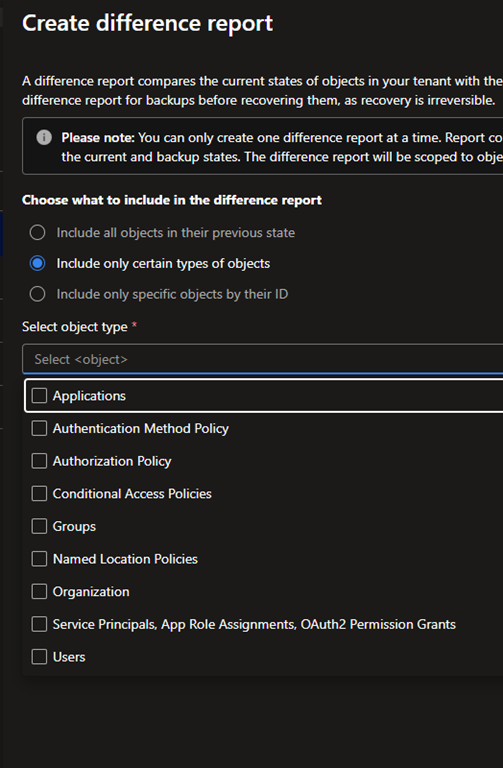
When creating a report, you can choose all supported objects or specific ones
NOTE it is important to note that objects synchronised from Active Directory may appears with changes as AD may have update “back-end” attributes