If you are using the Teams mobile application on Android device, you can now forward a message to another chat or channel.
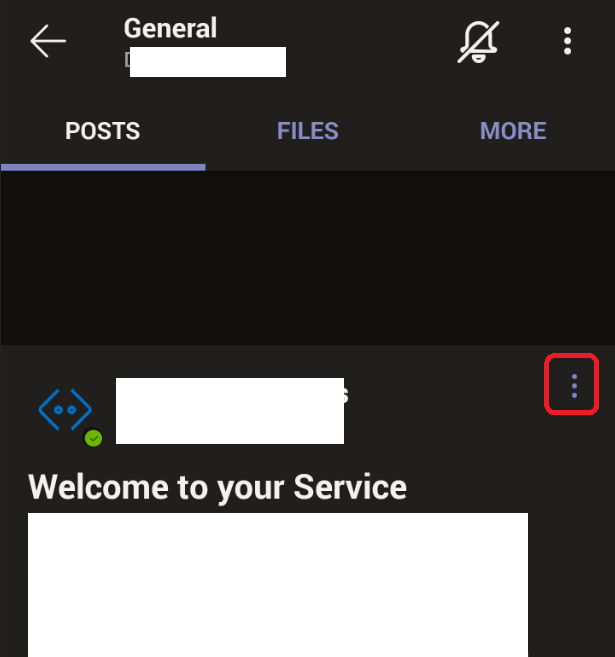
To forward a message, just open the option menu (top right of the message title)
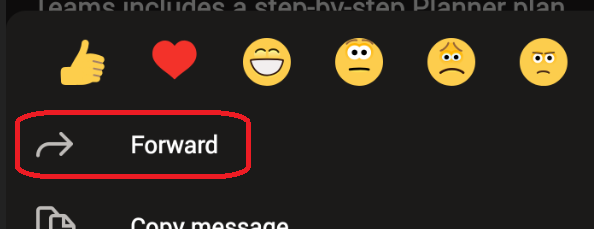
Then choose Forward
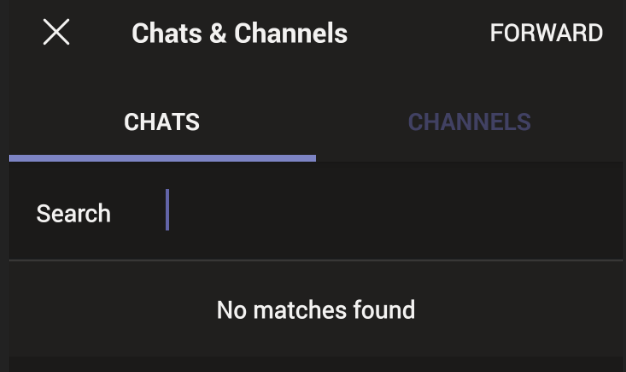
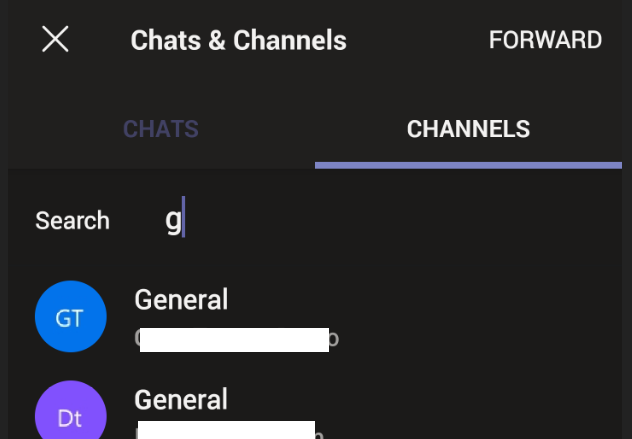
Finally choose the target, either a chat or a channel and search for the one you want to forward the message to and hit Forward