

If you are using SCCM and Azure OMS, you already know that you can integrate SCCM with OMS.
But do you know you can leverage the OMS capabilities to manage updates with SCCM?
Prerequisites
This is possible if you match the following requirements and apply the below configuration
- You must have an OMS workspace and have deployed the OMS Update Management Solution
- Windows clients managed by SCCM (workstations and/or servers) must be able to report to OMS – meaning communication should be allowed from these sources to Azure OMS
- You must use SCCM 1606 or later and connected to Log Analytics (see http://blog.hametbenoit.info/2016/08/26/sccm-integrate-oms-with-your-sccm-infrastructure/)
Configuration
- Implement Software Updates deployment on SCCM (as documented here https://docs.microsoft.com/en-us/sccm/sum/deploy-use/deploy-software-updates). Do not automatically install updates as this will be part of the next steps
- Connect to your Azure portal and search for the automation account associated with your OMS workspace
You can find the automation account from the OMS workspace settings

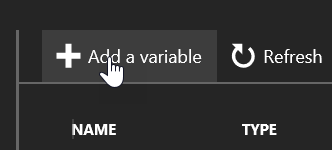
- Once you have found your automation account, go to the Variables blade

- Create a new variable called UseOMSForSCCMUpdates and set the value to True

- Then connect to your OMS workspace (https://mms.microsoft.com) and go to the Update Management solution
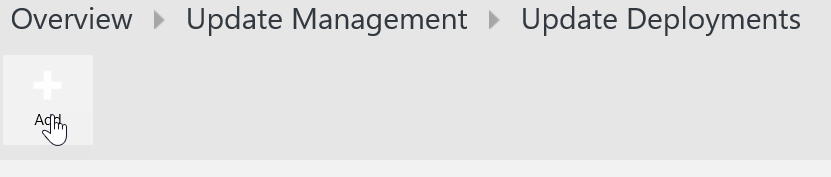
- Create an update deployment by accessing the Update Deployments section and click on Manage Update Deployments and click Add

- Define the new deployment settings by selecting the computer(s) and schedule for the update process

When you define the OMS update deployment settings the following need to be kept in mind:
- If a maintenance window is defined for the target computer, this window will be used for the deployment instead of the OMS schedule
- Target computer must have a connection to Internet