

Recently, I had to try Vsio Graphics.
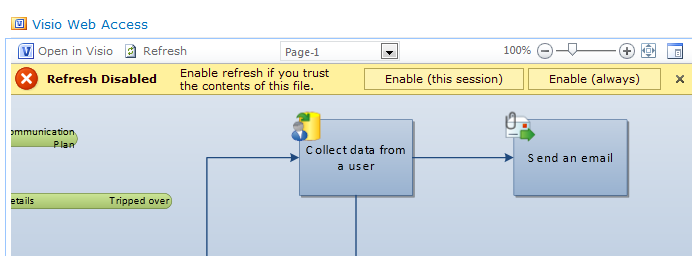
Unfortunately, I always had the following error:

associated with the following event in the Application event log:
Event ID: 8046
Failed to get Vector Diagram for visio file page Exception : The server was unable to process the request due to an internal error. For more information about the error, either turn on IncludeExceptionDetailInFaults (either from ServiceBehaviorAttribute or from the <serviceDebug> configuration behavior) on the server in order to send the exception information back to the client, or turn on tracing as per the Microsoft .NET Framework 3.0 SDK documentation and inspect the server trace logs.
Of course, I have already installed on configure Office Web Access as well as the Visio Graphics Shared Application.
After some unsuccessful researches, I remembered that I had to perform additional manual action to correctly configure Office Web Apps (see http://blog.hametbenoit.info/2010/05/03/sharepoint-2010-office-web-applications-need-additional-configuration-steps/).
So I applied the same action, meanings adding the Visio Graphics service account with the DBO right to the content database and it worked!!
PS
I already installed on my servers the first CU for SharePoint 2010, and this DOESN’T solve the Office Web Apps issue with the service account not added to the content database!!