Managing identity across multiple tenants is a growing challenge for organizations of all sizes. Mergers, acquisitions, and the rise of shadow IT often lead to a fragmented tenant landscape—creating security and compliance blind spots that attackers are quick to exploit. Even a single poorly secured tenant can put your entire organization at risk.
This poses a threat as each tenant may have variation in their security posture, such as improper MFA requirements or privileged accounts management.
With this new Entra ID feature for governance, you can gain visibility on tenants, establish a common governance or create new tenant with immediate governance applied from day one.
This new capability comes with at least Entra ID P1.
To establish multi-tenant governance, you must start with either a Tenant Governance or Global Administrator role.
Subsequent tasks require Privileges Role or Global Administrator role for the configuration.
NOTE secure tenant creation is currently only available for Microsoft Customer Agreement (MCA) with a Tenant Contributor role; this is not (yet?) available for Enterprise Agreement (EA)
Once you are ready, connect to your Entra ID portal (Microsoft Entra – Microsoft Entra admin center) to access the Tenant Governance blade
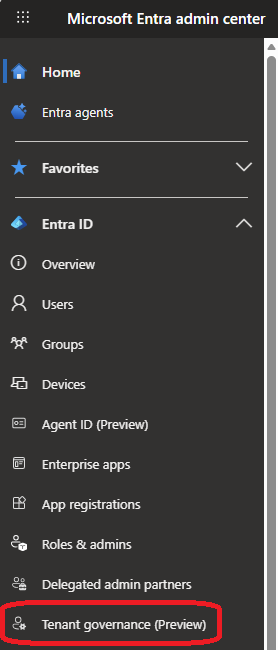
From there access the Governed tenants to start discovery of other tenants you may be related to
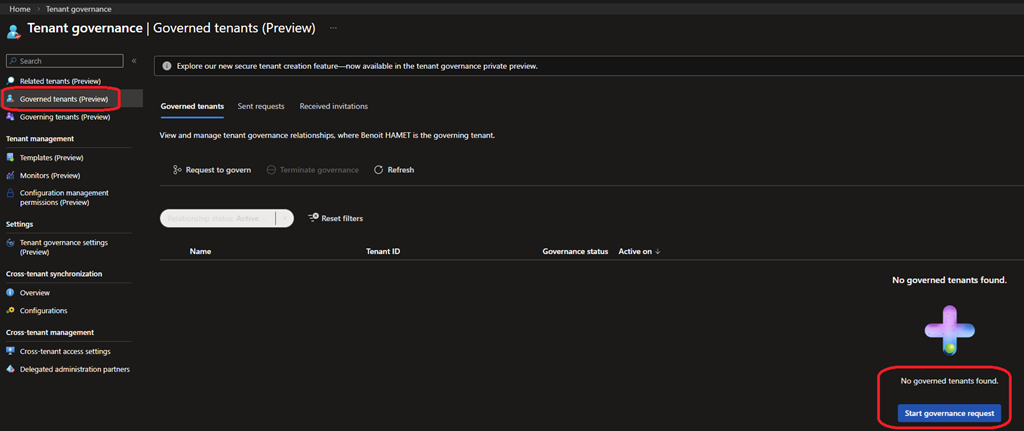
After successfully initiating the discovery, it may take up to 48 hours to complete
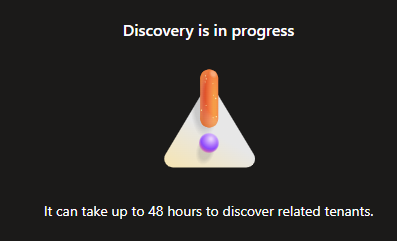
The tenant discovery use various signals such as B2B collaboration, multitenant application usage, and shared billing accounts.
While the discovery is in progress, you can now start creating templates to apply to related tenant and/or during new tenant creation.
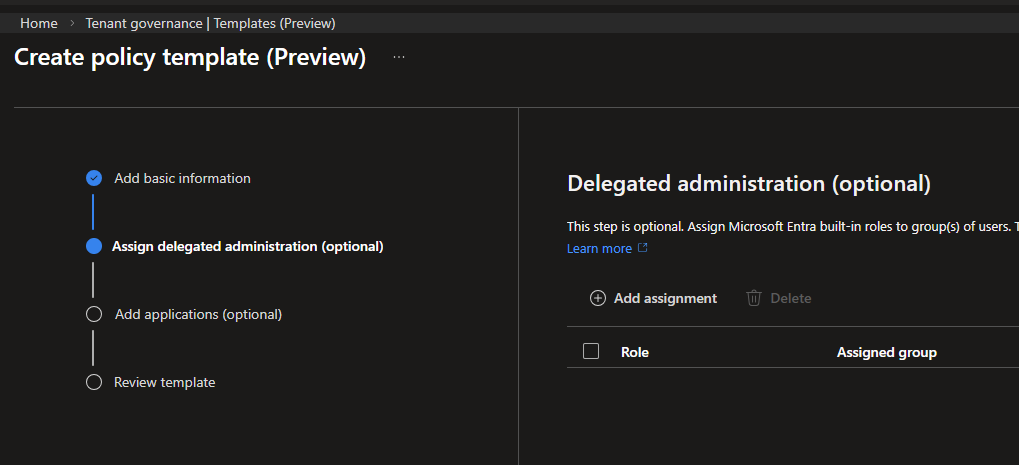
To do so, access the Templates blade; there is a default template already available with the specific configuration. You can edit the default template or create new ones.
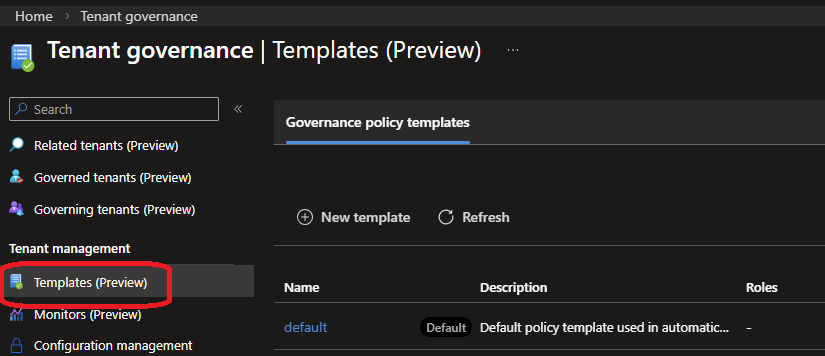
A template consists of managing delegation and multi-tenant registered applications