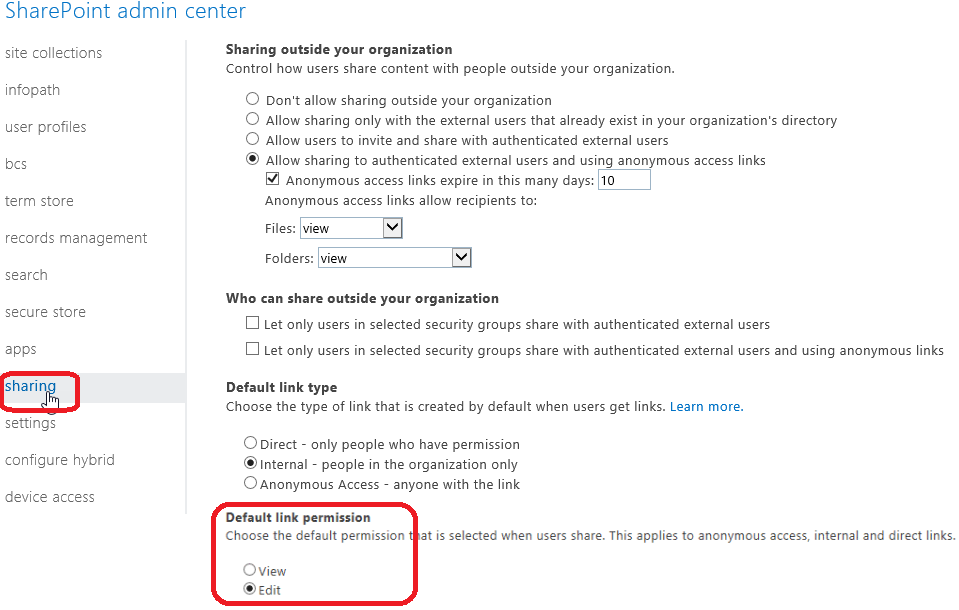
An update is currently on his way (deployment starting September 2017 to be completed by end of October) which will allow Office 365 administrators to setup a default permission when end-users are sharing SharePoint Online/OneDrive for Business content.
There has been already an updated to define the default sharing link type (direct, internal, anonymous), this one is to set the default permission to either View or Edit.
To define the default permission for sharing links, go to your SharePoint administration portal (https://<your tenant>-admin.sharepoint.com) and access the Sharing section