It has been announced some time ago, and now this is starting to be rolled out.
If you need to recover your OneDrive for Business space from a previous state, you will have the ability to do it your self by executing the following steps.
NOTE this does not replace the recycle bin for deleted items; this will recover the entire OneDrive.
Recover your OneDrive for Business
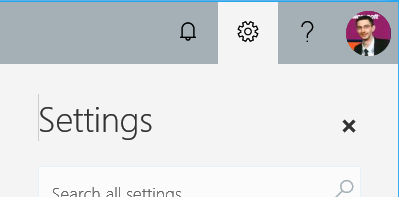
Access your OneDrive for Business space using a web browser and open the Settings menu using the Gear button on top right
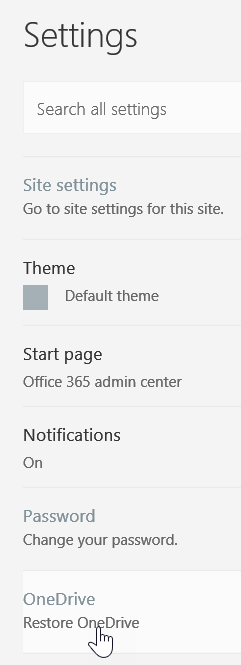
Then scroll down to locate the OneDrive\Restore your OneDrive option
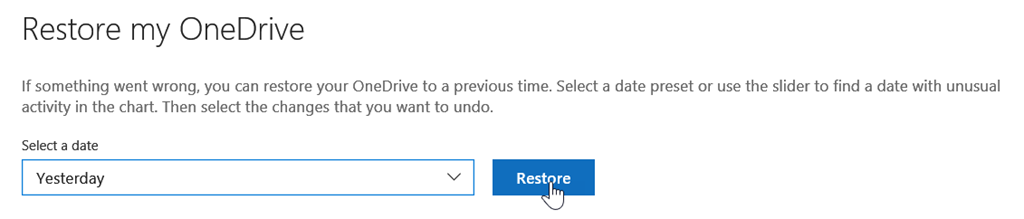
This will open a new window to ask you to pick a date from when you want to recover your data; you can use a slider to define a custom date range
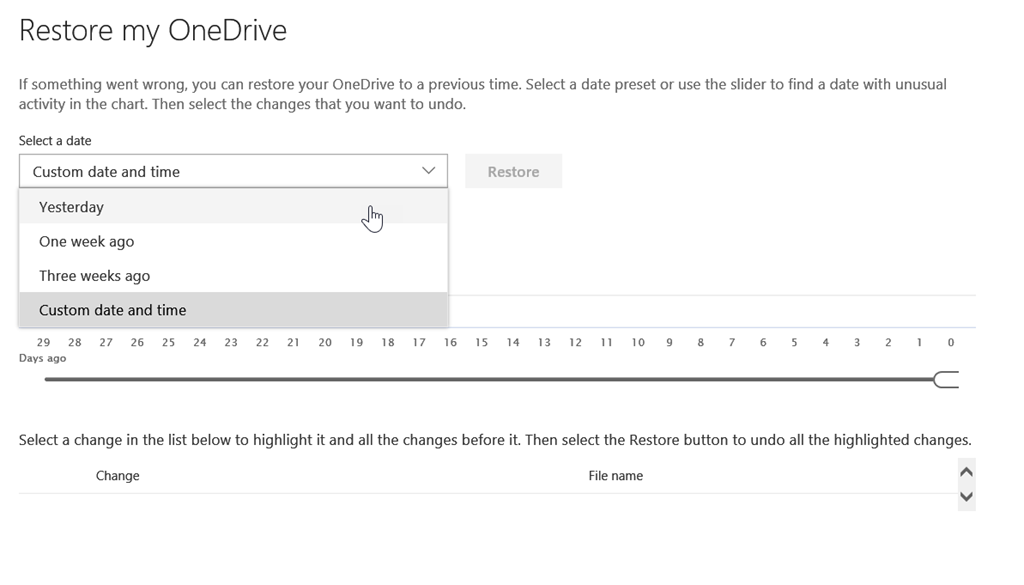
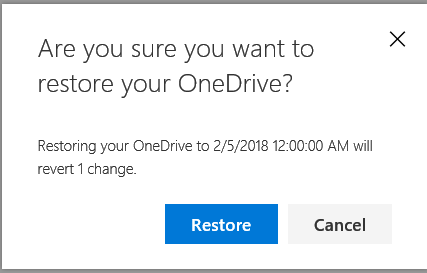
Then just hit the Restore button and confirm the restore process; this will also tells you how many change(s) will be reverted by the restoration