

A new version (1.10.56.0) of the Azure Information Protection Client has been released and is available for download at https://www.microsoft.com/en-us/download/details.aspx?id=53018.
As part of this new release, you can now:
- enable recommended classification also for Outlook
- hide the Do Not Forward button in Outlook
- hide the custom permission options to end-user
- integrates with Office 365 DLP
- and more

To configure these options, go to your Azure administration portal (https://portal.azure.com) and access the Azure Information Protection blade

Enable Recommended Classification in Outlook
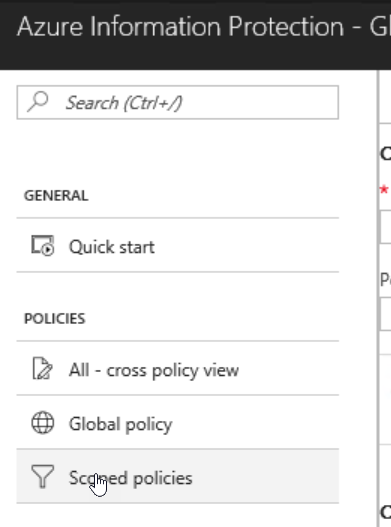
From the AIP blade access the Scoped policies
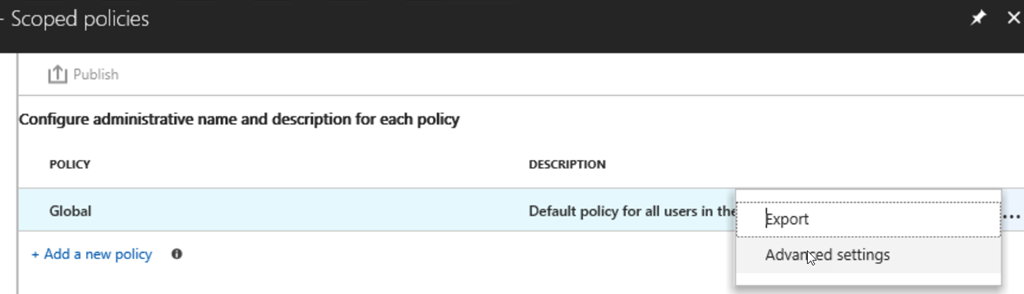
Open the contextual menu of an existing policy and access the Advanced settings

Add the following details
- Name: OutlookRecommendationEnabled
- Value: True

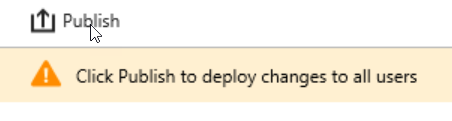
And finally publish the updated policy
Hide the Do Not Forward button in Outlook
This will hide the Do not Forward  button from the Ribbon – this does not apply to Office menu
From the AIP blade access the Scoped policies

Open the contextual menu of an existing policy and access the Advanced settings

Add the following details
- Name: DisableDNF
- Value: True

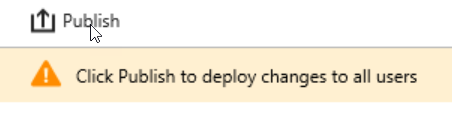
And finally publish the updated policy
Remove custom permissions options from the AIP client and add-in
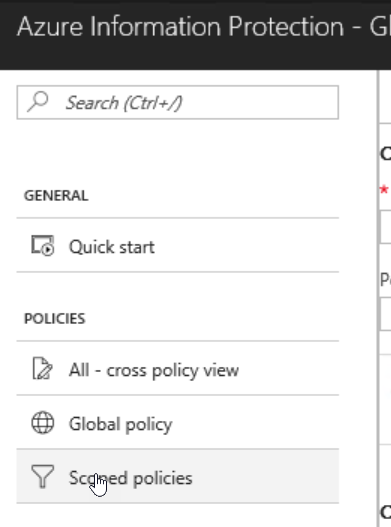
From the AIP blade access the Scoped policies
Open the contextual menu of an existing policy and access the Advanced settings
Add the following details
- Name: EnableCustomPermissions
- Value: False

And finally publish the updated policy
